Getting Started
Learn how to create a loved one page and set up withYOUnity for your loved one.
Create a Loved One Page
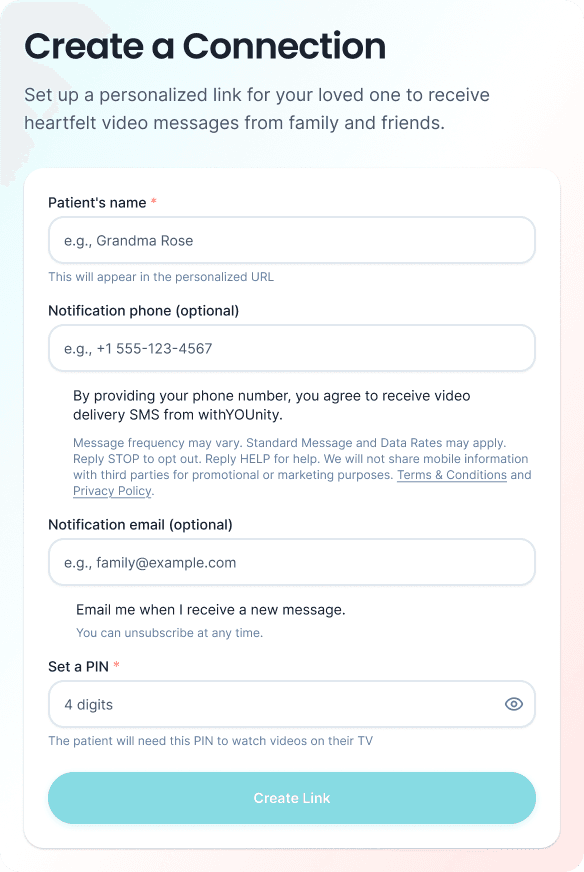
Head to the withYOUnity homepage and click "Get Started" to create a unique page for your loved one. You'll enter their name and basic details. Once created, you'll receive a unique link and PIN for their page.
Share the Link
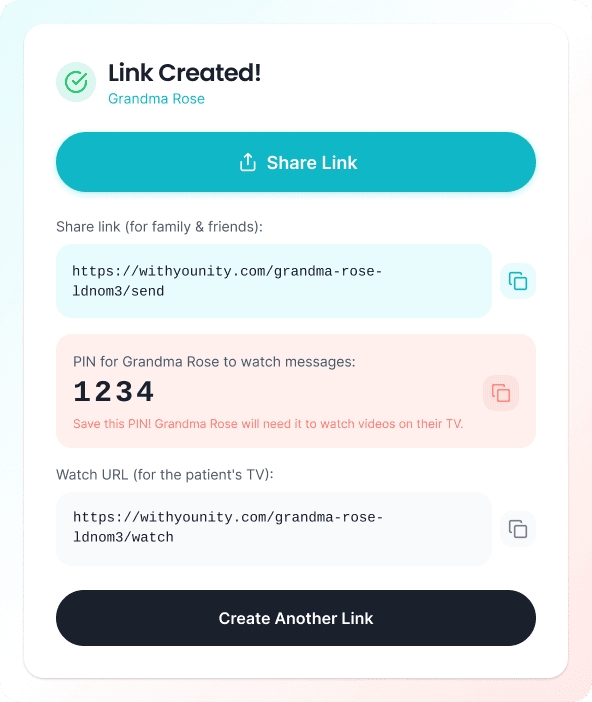
Copy your loved one's unique link and share it with family and friends. Anyone with the link can record and send video messages. You can share it via text, email, or any messaging app.
Record Your First Message
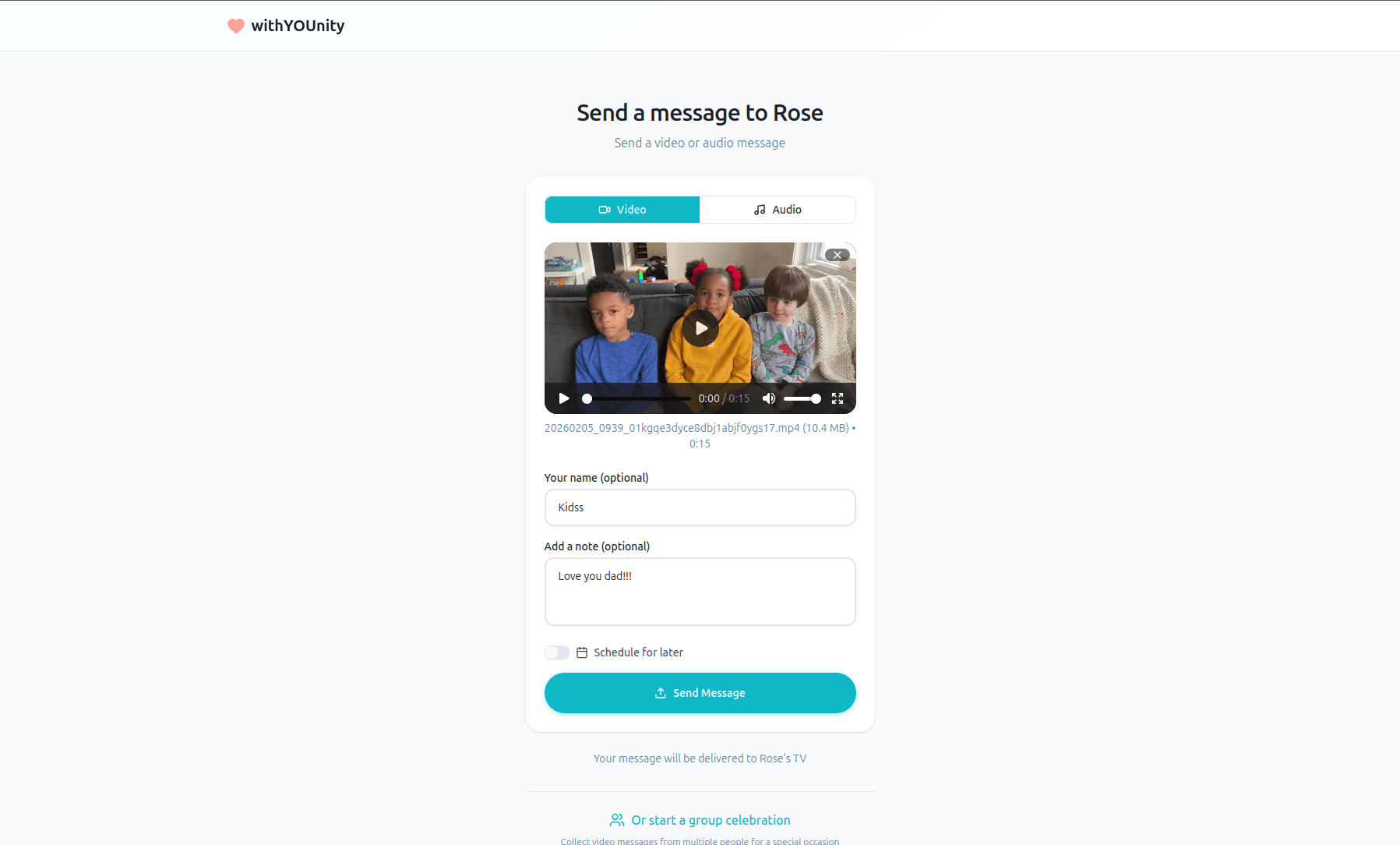
Visit your loved one's page and tap "Send a Message." Once you are on the message screen, you can upload a pre-recorded video.
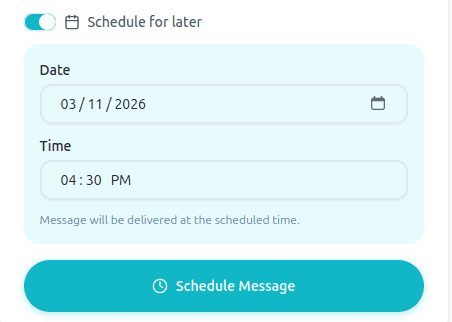
Schedule Delivery
Choose when your message should be delivered to the TV. You can send it immediately or schedule it for a specific time — perfect for birthdays, holidays, or just the right moment.
What Happens Next
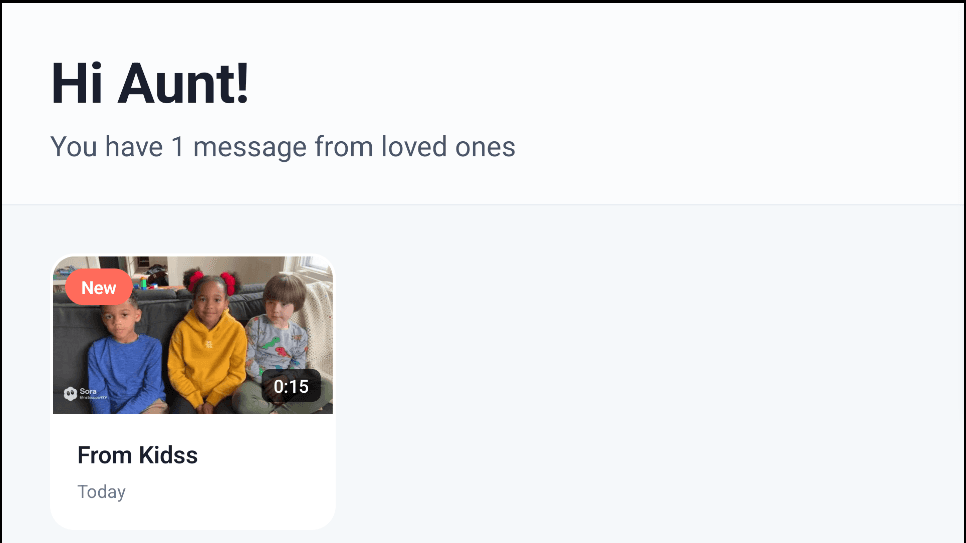
Your message is securely delivered to your loved one's room TV. When they turn on the TV or a caretaker starts playback using the PIN, your video message plays automatically