Using Fire TV
Set up and configure the Fire TV app in your loved one's room to receive video messages.
What You'll Need
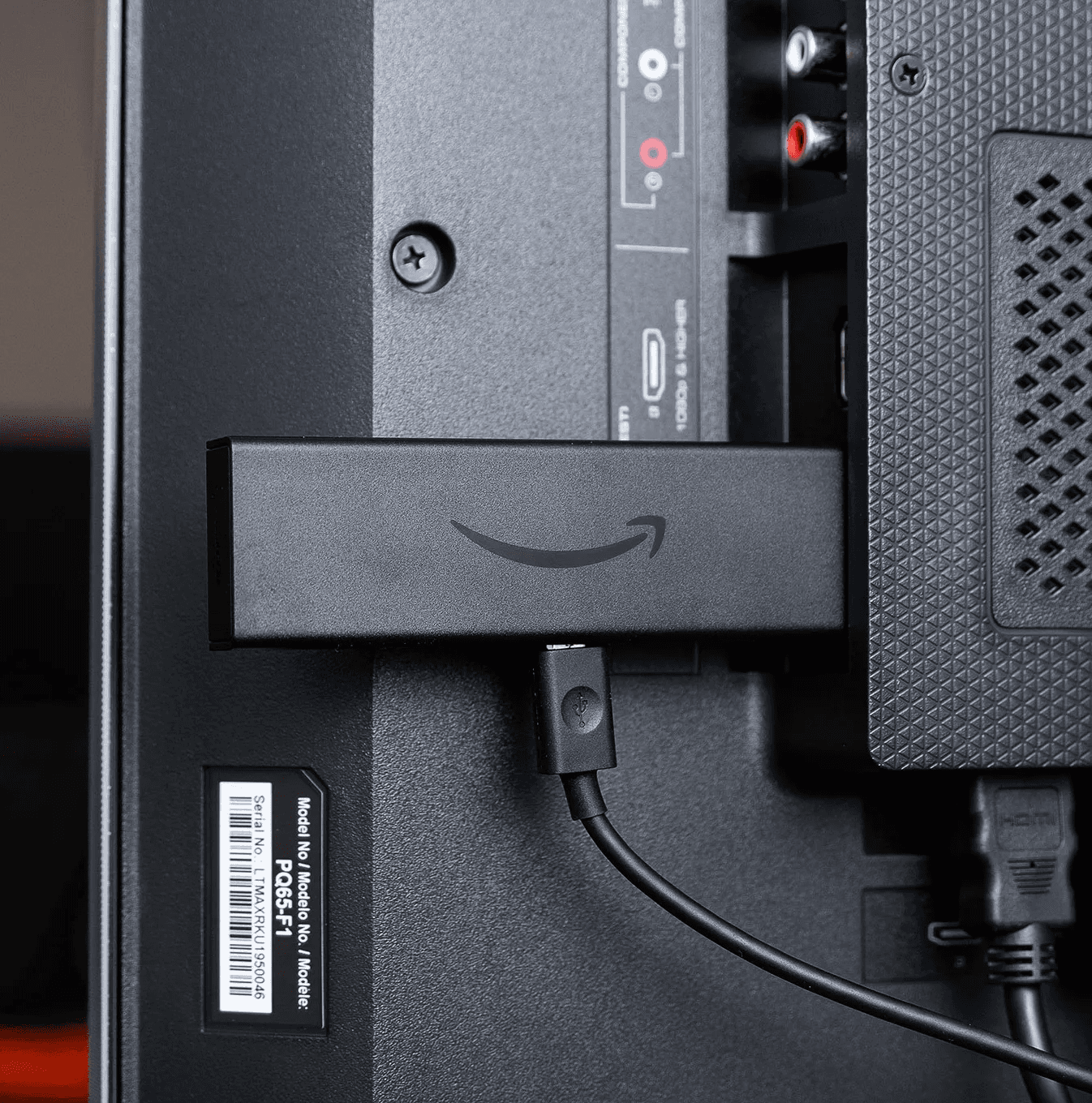
To get started, you'll need an Amazon Fire TV Stick (any generation), a TV in the patient's room with an available HDMI port, and a stable Wi-Fi connection. Make sure the Fire TV Stick is plugged in and powered on.
Install the withYOUnity App
From the Fire TV home screen, navigate to the Search icon and type "withYOUnity." Select the app from the results and click "Download" or "Get" to install it. The app is free and takes just a moment to install.
Connect to Your Loved One
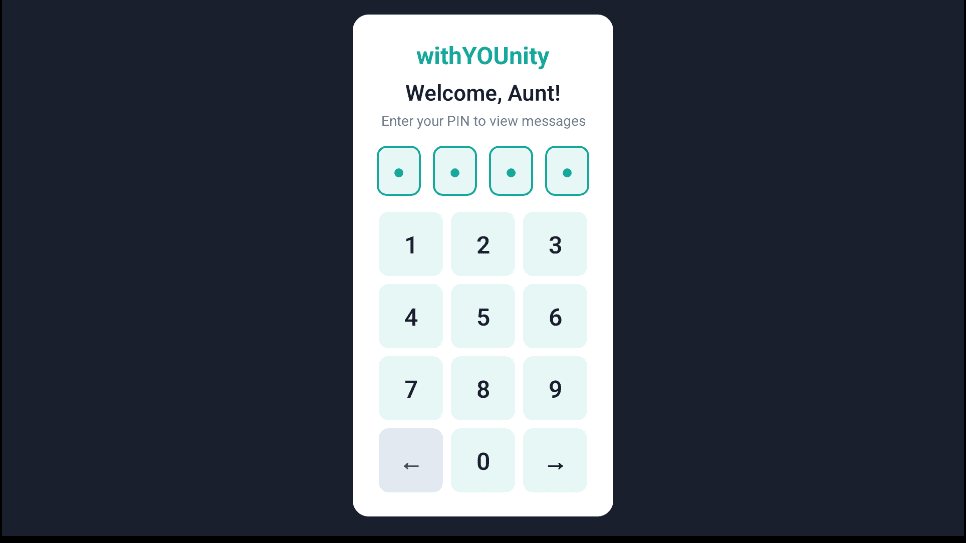
Open the withYOUnity app on the Fire TV. You'll first see a slug entry screen — type in the patient's unique slug (found on their withYOUnity page) using the Fire TV remote. Next, you'll be asked for the 4-digit PIN. Once entered, the device is linked to that patient's account.
Playing Messages
Once connected, the app automatically checks for new video messages. When a message arrives, it appears on screen and can auto-play or be selected manually with the remote. Messages play in full screen with clear audio — designed for easy viewing.